

If your VPS is down/offline, you can start it using SolusVM.
1. Log in to your SolusVM Control Panel.
2. If you have multiple VPSs, select the appropriate one.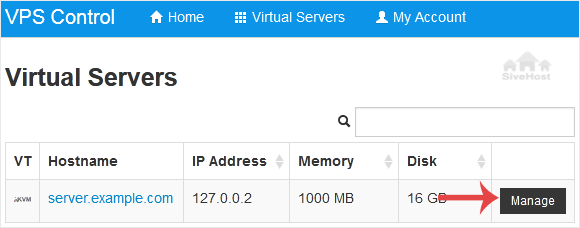
3. Click on Boot.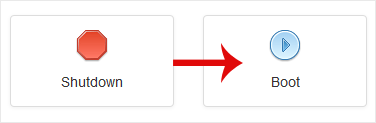
4. Click Yes to confirm.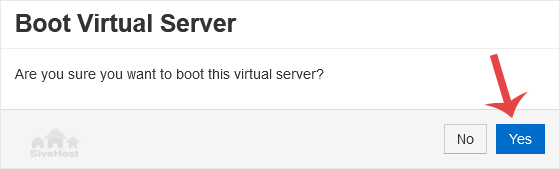
It may take some time for the VPS to start.
Категории на прашања
Клучни тагови
2FA
API
Backup
ceph
client
create
database
DirectAdmin
Docker Registry
Domain
Email
hosting
How to add a subdomain
How to Install an SSL Certificate (AutoSSL) in CWP
How to remove a subdomain
How to Search for a Knowledge Base Article
How to View Your Domain’s WHOIS Information
How to View Your Server Task History
Let’s Encrypt
Login
MariaDB
MySQL
Non Linux S3 client
Partner hub
partnerhub
PhpMyAdmin
Proxmox
reseller
RocksDB
S3
S3 Client
S3 mobile client
setup
Storage
subdomain
Ubuntu
Ubuntu 24.04
VM
wordpress
How to Start/Boot Your VPS in SolusVM Print
- 0
